Free Gangnam Style AI Video: 3 Free Ways to Try the Trend
October 25, 2026
Want to star in the Gangnam Style meme? Turn your photo into it.Make my video →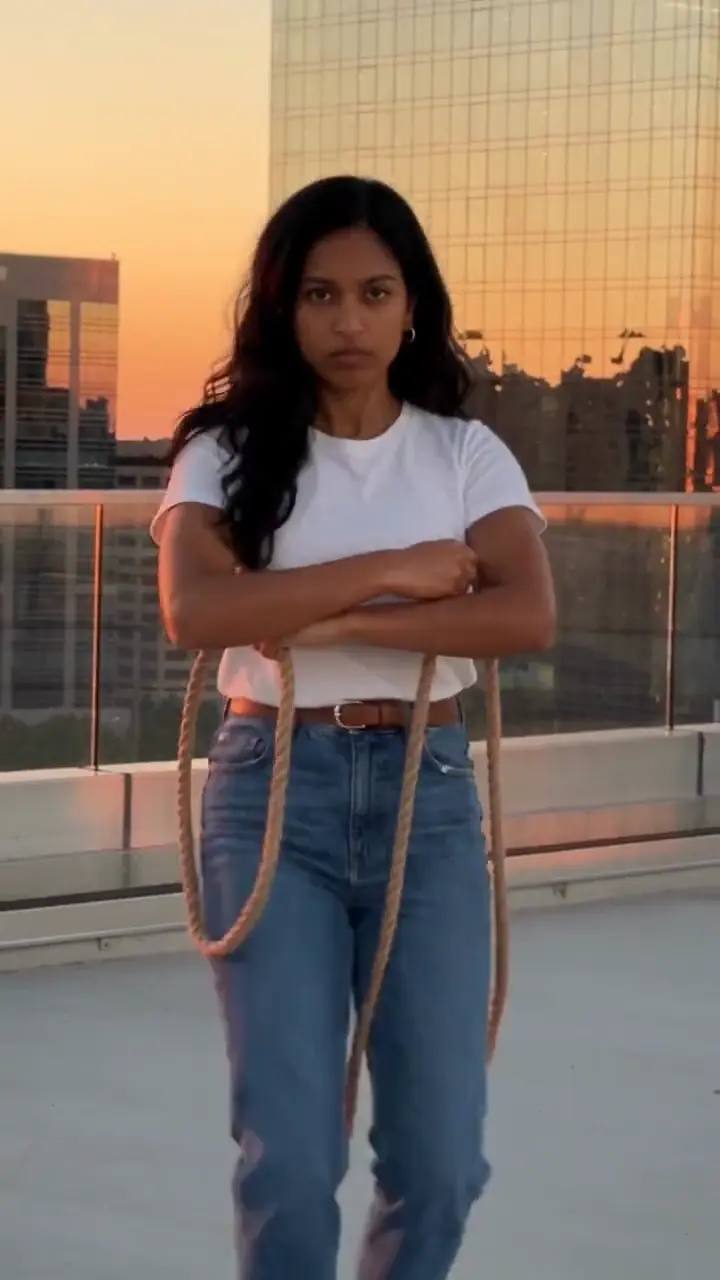
You can make a Gangnam Style AI video for free by filming the horse dance yourself, by using a free template app or by trying a free AI tier. A paid generator mainly saves time and keeps the likeness more consistent.
Key takeaways
- Filming it yourself is free and gives you full control.
- Template apps can turn one photo into a clip, with the creator’s scene.
- Free AI tiers may limit length or add marks.
- Paid tools trade credits for speed.
Can you do the trend for free?
Yes. The trend is PSY’s 2012 song and its horse dance, and nothing about it needs a paid tool. What free saves in money it spends in time: retries, marks on the video and syncing the song by hand. The trio format began with a January 2025 reel (35.7 million views), and @emiliyyam’s 5 October 2026 Seoul reel (17.5 million views) made it global.
Option 1: film it yourself
Film one vertical take on a still phone, head to toe, at chest height. Play the song and work through the beats from the step-by-step guide: reins, gallop, lasso, shuffle, finish. This is the only route with no mark to worry about, because the clip is yours. Any place works: a roof terrace, a balcony at sunset or your living room.
Option 2: a template app
A one-photo “AI Gangnam Style” template spread from 19 October 2026. In a template app you search for it, add your photo and the app generates the dance clip. It is the fastest free route, with no prompt to write. The limits are the usual ones for templates: you get the scene and cut the creator chose, quality depends on your photo, exports can carry an end card or mark, and some AI effects sit behind a paid upgrade, so check before you export.
Option 3: a free AI tier with a prompt
Some general AI video tools give a few free tries. Attach one clear photo, paste a prompt such as the one in the prompt guide and add the song when you post. Budget two or three runs: a real rope in the lasso hand, a zooming camera and a changed body shape are the usual failures. Free tiers typically cap the length, add a mark, or both.
When does a paid generator help?
If you only want to supply a photo, the Gangnam Style AI generator does the rest without a prompt. Credit packs: 480p = 500 credits, 720p HD = 1,500 credits. One-time packs: $9.99 (500 credits), $19.99 (1,500) or $29.99 (2,500), no subscription. Credits do not expire, and failed videos refund their credits. There is no free allowance, so this is the paid route.
Free versus paid in one view
- Film it yourself: free, your real footage, more effort.
- Template app: free to start, one tap, fixed scene.
- Free AI tier: free to try, more retries, often marked.
- Paid generator: one photo, a ready clip, credits spent.
What should you read next?
For how each route compares in more depth, see template apps versus an AI generator, and add the song with the sound guide. Label AI-made clips as AI-generated when the platform asks.
Yuppop is an independent tool and is not affiliated with PSY, his label or any social platform. Make your own take with the Gangnam Style AI video generator.
FAQ
Is the Gangnam Style trend really free?
Yes. Film the horse dance yourself, use a one-photo template app, or run a written prompt in an AI tool’s free tier. Free routes cost time instead of money: retries, marks and syncing the song by hand.
Will a free AI video carry a logo mark?
Often, but the rules vary by tool and change, so check before you post. Filming the dance yourself leaves nothing to remove.
Does a free Gangnam Style video come with the song?
Generally not. Many AI tools return silent clips or their own music, so you add PSY’s song in TikTok or Reels and line the gallop up with the beat.
How much does this generator cost?
Credits are bought in one-time packs, with the exact quote shown in the generation panel before you submit. There is no free allowance.
Can I post a free clip commercially?
Check the tool’s terms and the music rules first.