Best Photo for a Gangnam Style AI Video: Rules and Common Fails
October 25, 2026
Want to star in the Gangnam Style meme? Turn your photo into it.Make my video →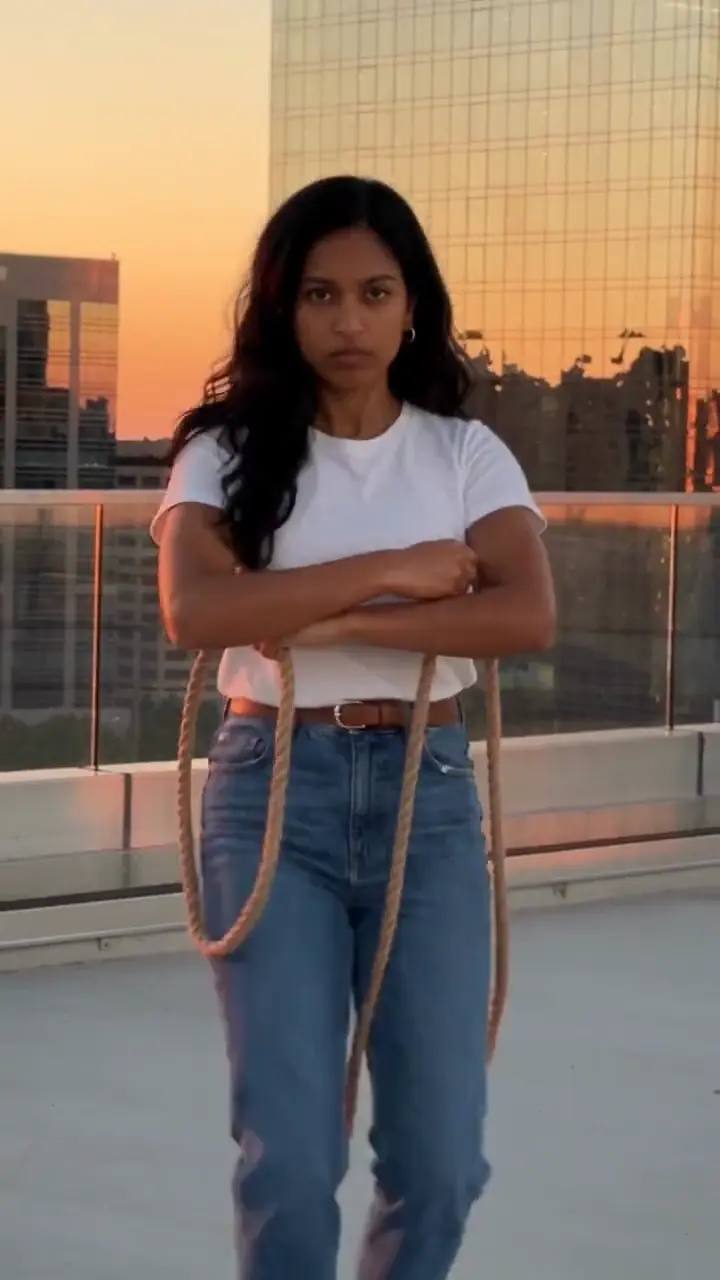
The best photo for a Gangnam Style AI video shows one face, turned to the camera, in good light with nothing covering it, framed from the knees up so your outfit does the dancing. The AI copies your face and clothes from that single picture.
Key takeaways
- One person per photo.
- Face to the camera, good light, no sunglasses.
- Knees up or head to toe shows the clothes you dance in.
- Use your own photo or one a friend agreed to.
What is the one photo the generator needs?
The Gangnam Style generator takes a single photo and builds the horse dance clip from it. The photo decides who dances; the trend decides the moves, the camera and the scene. Because everything rests on one picture, it is worth ten minutes to get it right.
What should every photo have?
- One face, looking at the camera.
- Even light on the face. Daylight from a window works well.
- Nothing covering it: no sunglasses, mask, hands or hair over the eyes.
- A face large enough to see clearly, not a tiny figure in a wide shot.
What framing works best?
From the knees up, or head to toe if you can. The horse dance is performed with the whole body, and the clothes in your photo are the clothes that dance. A closer crop still works, but the legs are then guessed by the AI instead of copied from you. Stand against a plain wall, face the camera and wear the outfit you want to see.
What should the face do?
Neutral or lightly serious. The joke of the original is a silly dance performed with a cool, deadpan face, so a calm expression suits the clip. Skip beauty filters: they change the face the AI copies.
Which photos should you avoid?
- Sunglasses or shadow over the eyes. Hidden eyes will not look like you. Retake with the face fully visible.
- Group shots. The AI cannot tell who to use. Crop to one person.
- Hands, hair or a phone over the face. It blocks the features the AI needs.
- A tiny face in a wide shot. Move closer or crop in.
- Dark or backlit pictures. Face a window or a light source instead.
- Heavy filters. They drift the likeness.
Whose photo can you use?
Your own, or a friend’s with permission. Use adults only, and no celebrities.
What next?
Got the photo? Add it on the generator, then learn the moves in the step-by-step guide. New to the trend? Read what it is first.
Yuppop is an independent tool and is not affiliated with PSY, his label or any social platform. Make your own take with the Gangnam Style AI video generator.
FAQ
Will the video still look like me?
It keeps your face and clothes from the photo. A clear, face-forward photo in good light gives the closest match, and every run is a new take, so you can try again.
Do I need a video of myself?
No. One still photo is enough. The moves, camera and scene come from the trend, not from anything you film.
Can I use a group photo?
Not directly. Use one person per photo, otherwise the AI may pick the wrong face. Crop a group shot so only one person is left.
Does the background of my photo matter?
Not much. The scene comes from the trend, so your photo mainly decides the face and the outfit.
Can I use a pet photo?
The trend has AI dog and cat versions, so you can try a pet photo: one animal, whole body, face to the camera, with no person in the frame.